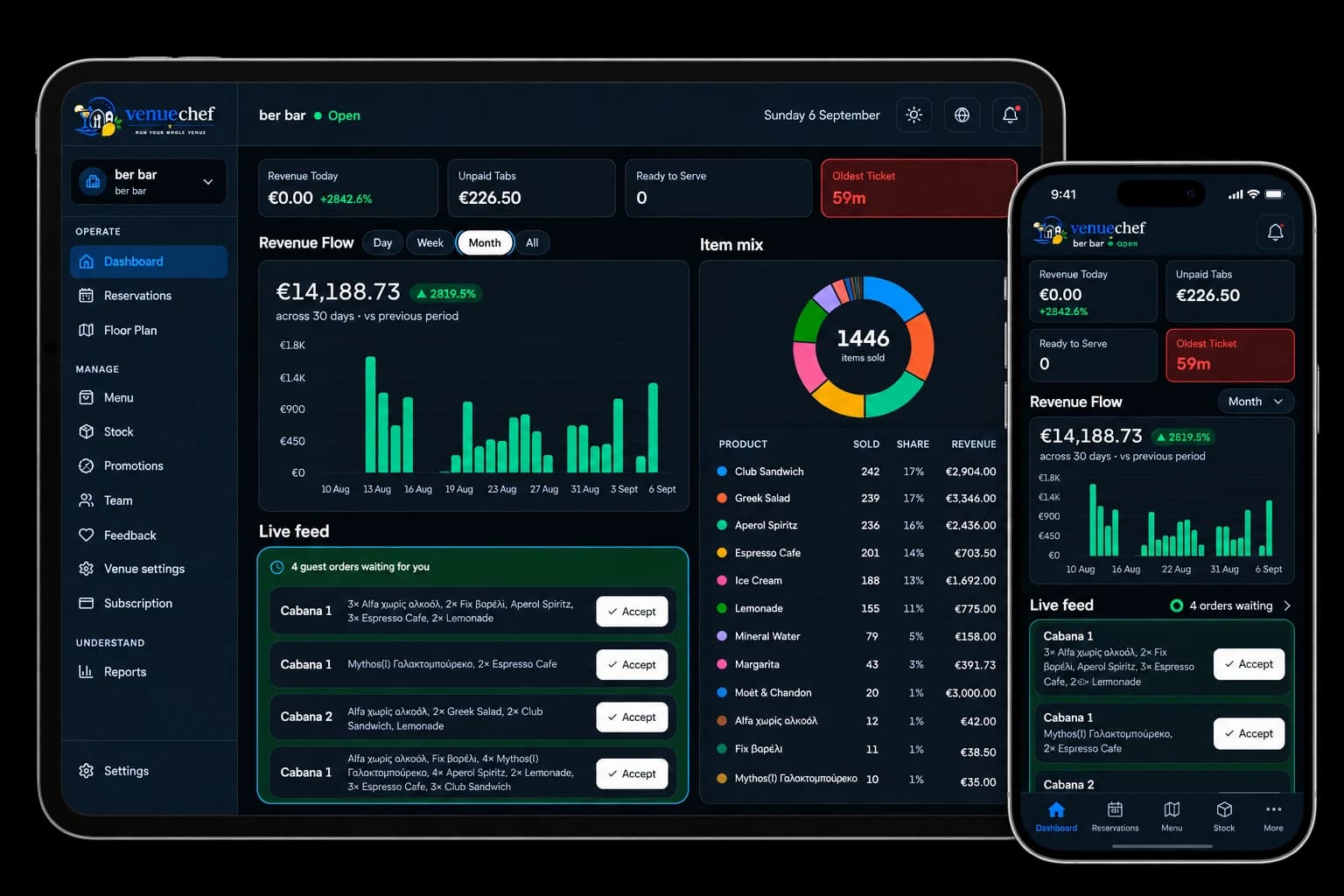


คลับชายหาด
เก้าอี้อาบแดด, คาบาน่า, โซน และบริการริมทะเล
Built for the Mediterranean
Made for the way you work.
From beach clubs to restaurants and cafés, VenueChef brings orders, staff, kitchen, reservations and guests together in one simple, powerful system.
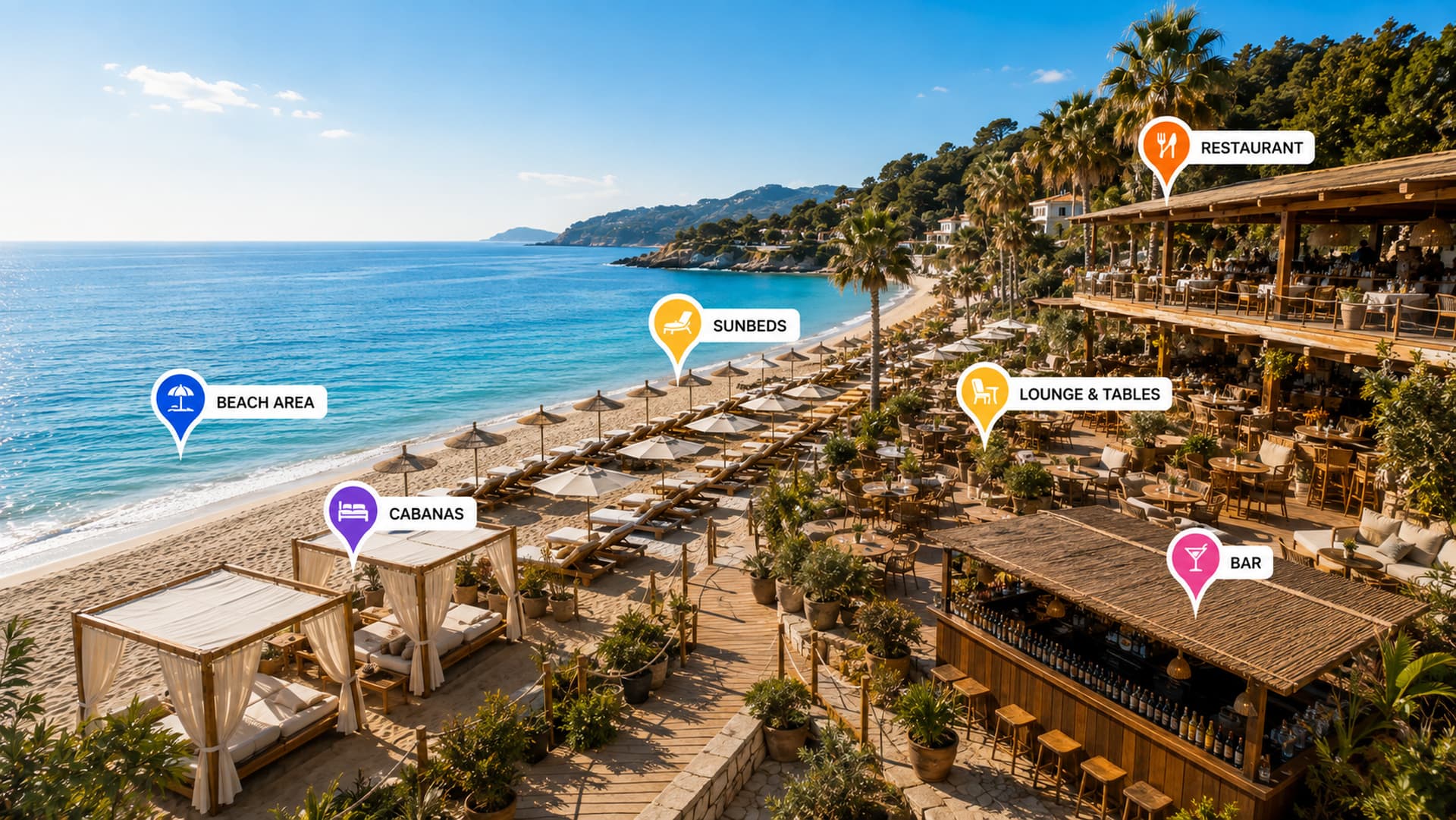
ออกแบบตามหลักการทำงานของอุตสาหกรรมบริการต้อนรับ
เก้าอี้อาบแดด, คาบาน่า, โซน และบริการริมทะเล
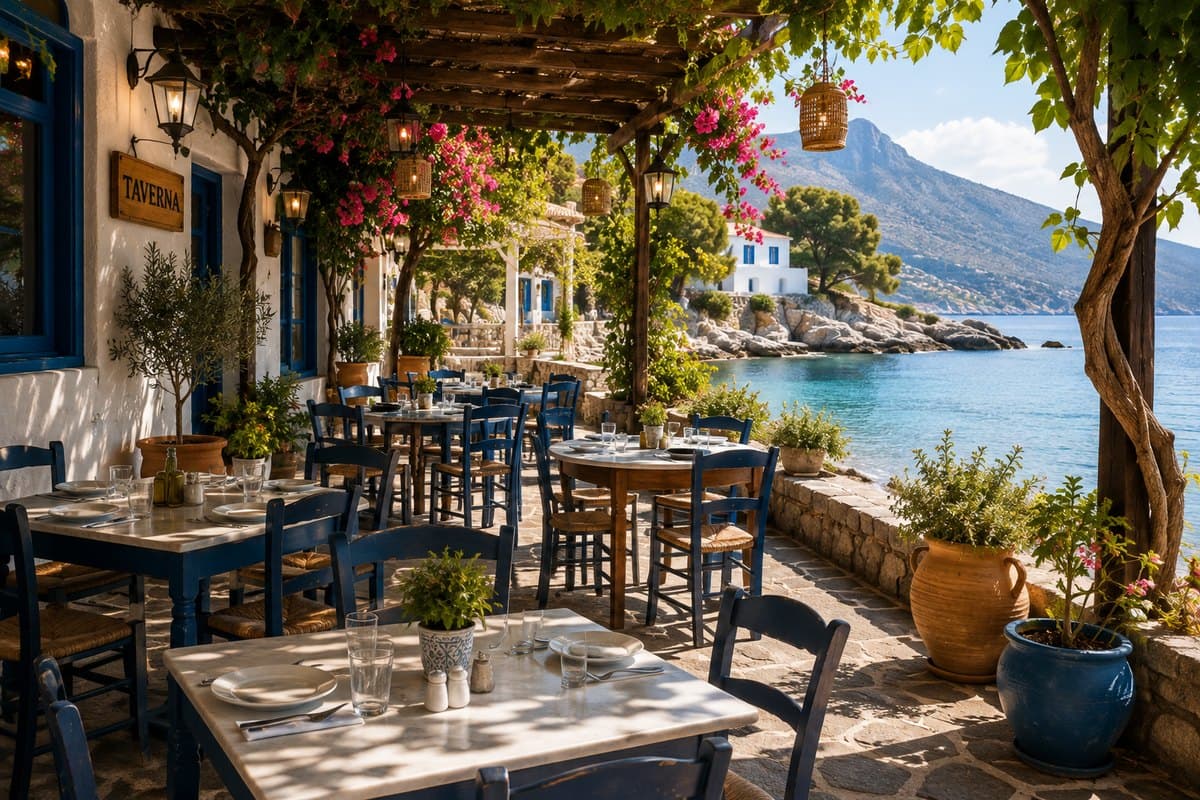
บริการที่โต๊ะ, ชั้น, ส่วน และหน้าจอครัว

เคาน์เตอร์, โต๊ะ และบริการรวดเร็ว
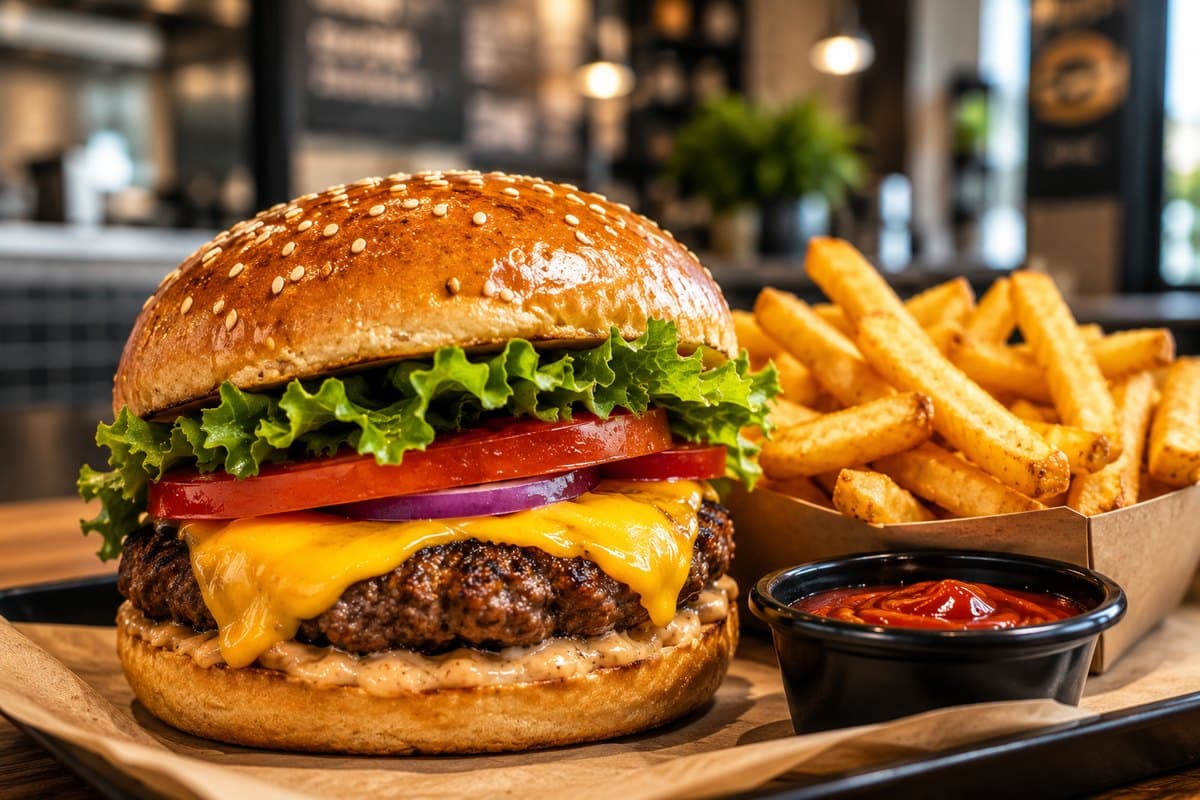
บริการรวดเร็ว, เคาน์เตอร์ และบริการนำกลับ
คำสั่งซื้อรับประทานที่ร้าน, ซื้อกลับบ้าน และส่งถึงที่

เมนูตามฤดูกาลและบริการที่เคาน์เตอร์
เครื่องมือที่ทรงพลัง เชื่อมต่อกันอย่างลงตัว
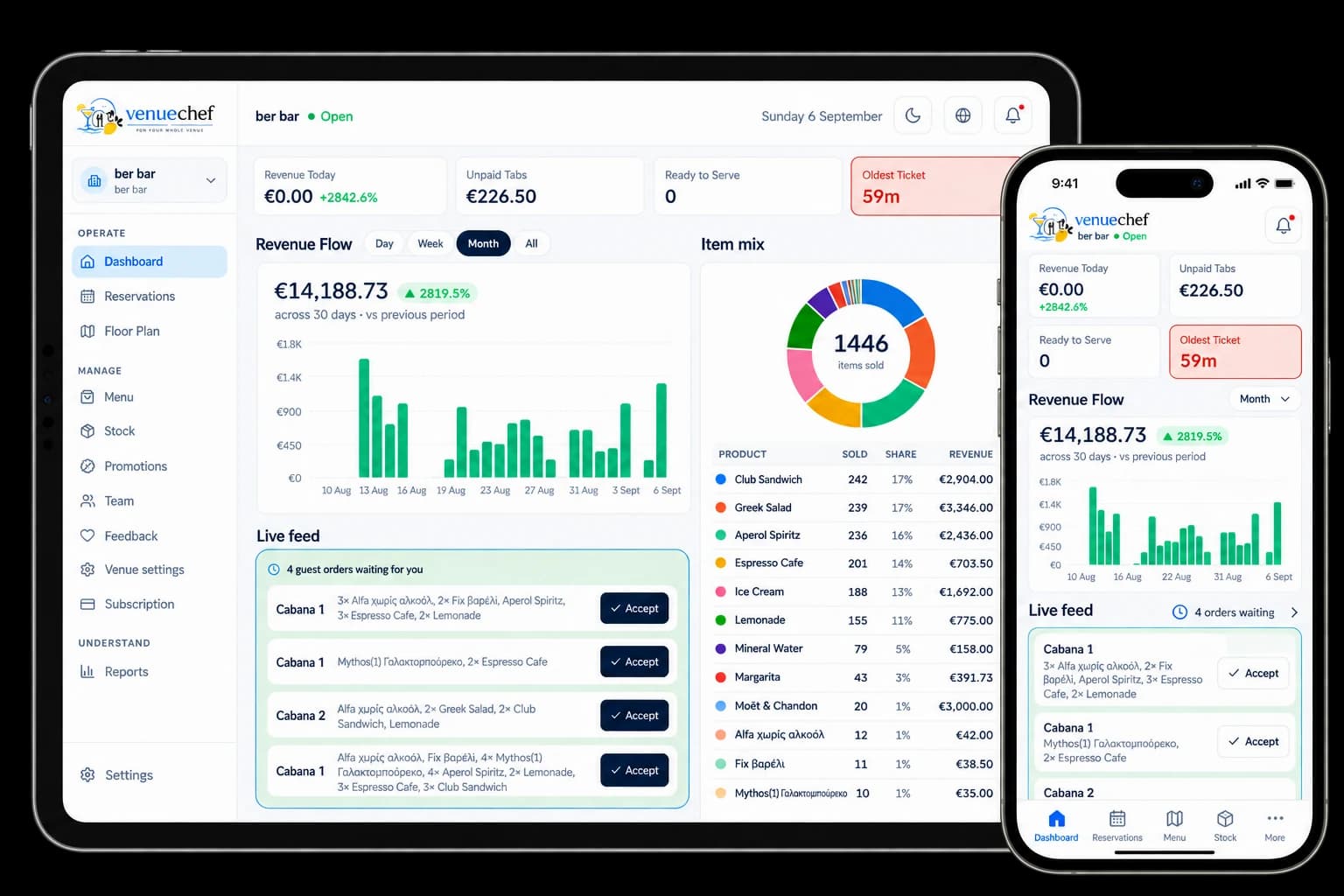
รับคำสั่งอย่างรวดเร็วและตามสัญชาตญาณ
แขกสั่งอาหารผ่านโทรศัพท์มือถือ
โต๊ะ เก้าอี้อาบแดด และคาบาน่า
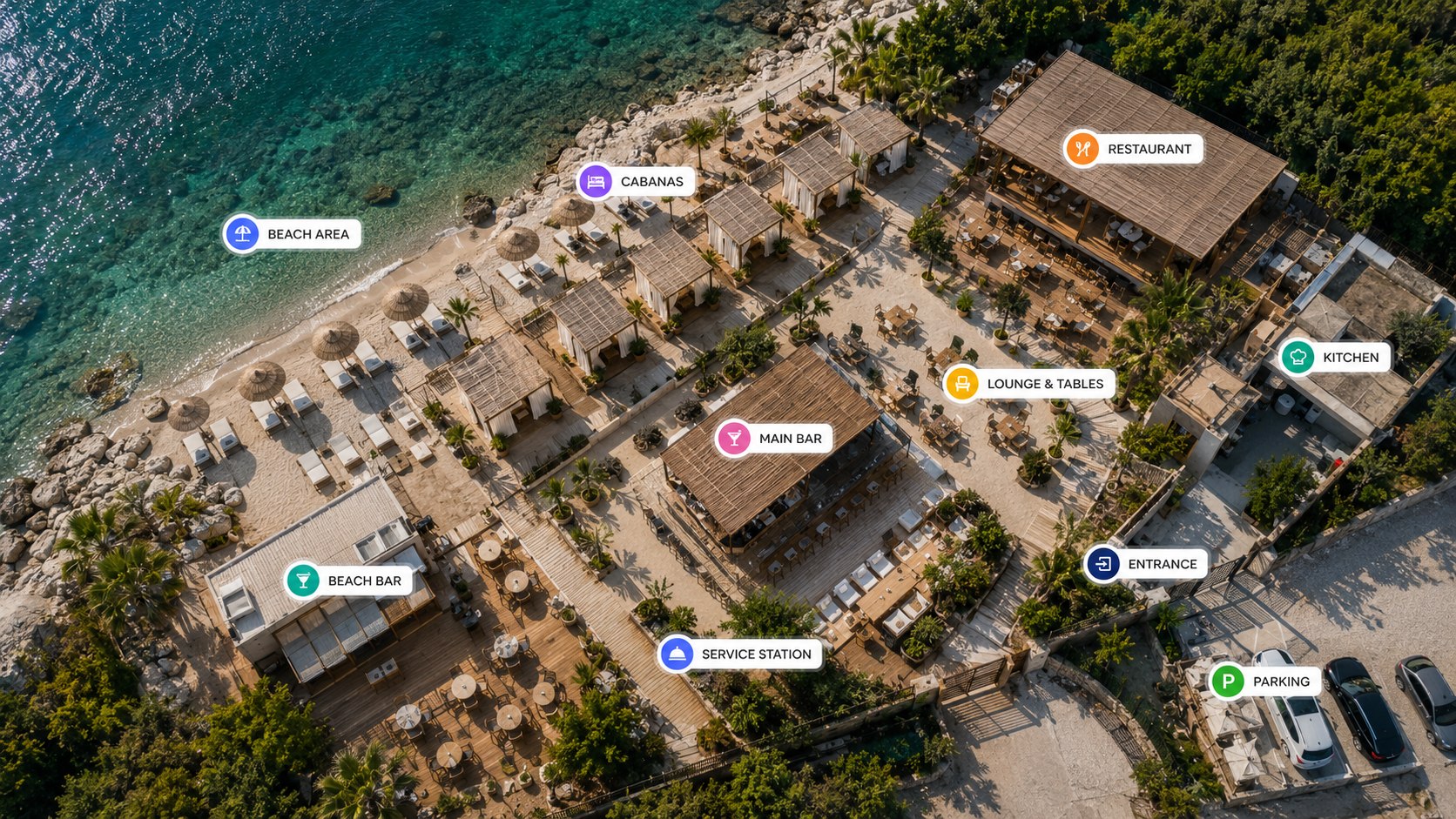
แผนผังสถานที่และโซนแบบเรียลไทม์
คำสั่งบนหน้าจอในครัวและบาร์
ระดับสต็อก การส่งสินค้า และของเสีย
บทบาท, กะ และสิทธิ์
สั่งอาหาร, เรียกพนักงาน และขอใบเรียกเก็บเงิน
ขายอะไร, เมื่อไหร่ และที่ไหน
จัดการสถานที่ทั้งหมดในที่เดียว
สถานที่ของคุณ ที่ถูกจัดแผนที่อย่างถูกต้อง
VenueChef ระบบจะจัดการทุกจุดที่ให้บริการในลักษณะเดียวกัน โต๊ะ เก้าอี้อาบแดด คาบาน่า และเคาน์เตอร์ ล้วนเป็นส่วนหนึ่งของแผนที่บริการแบบเรียลไทม์เดียวกัน
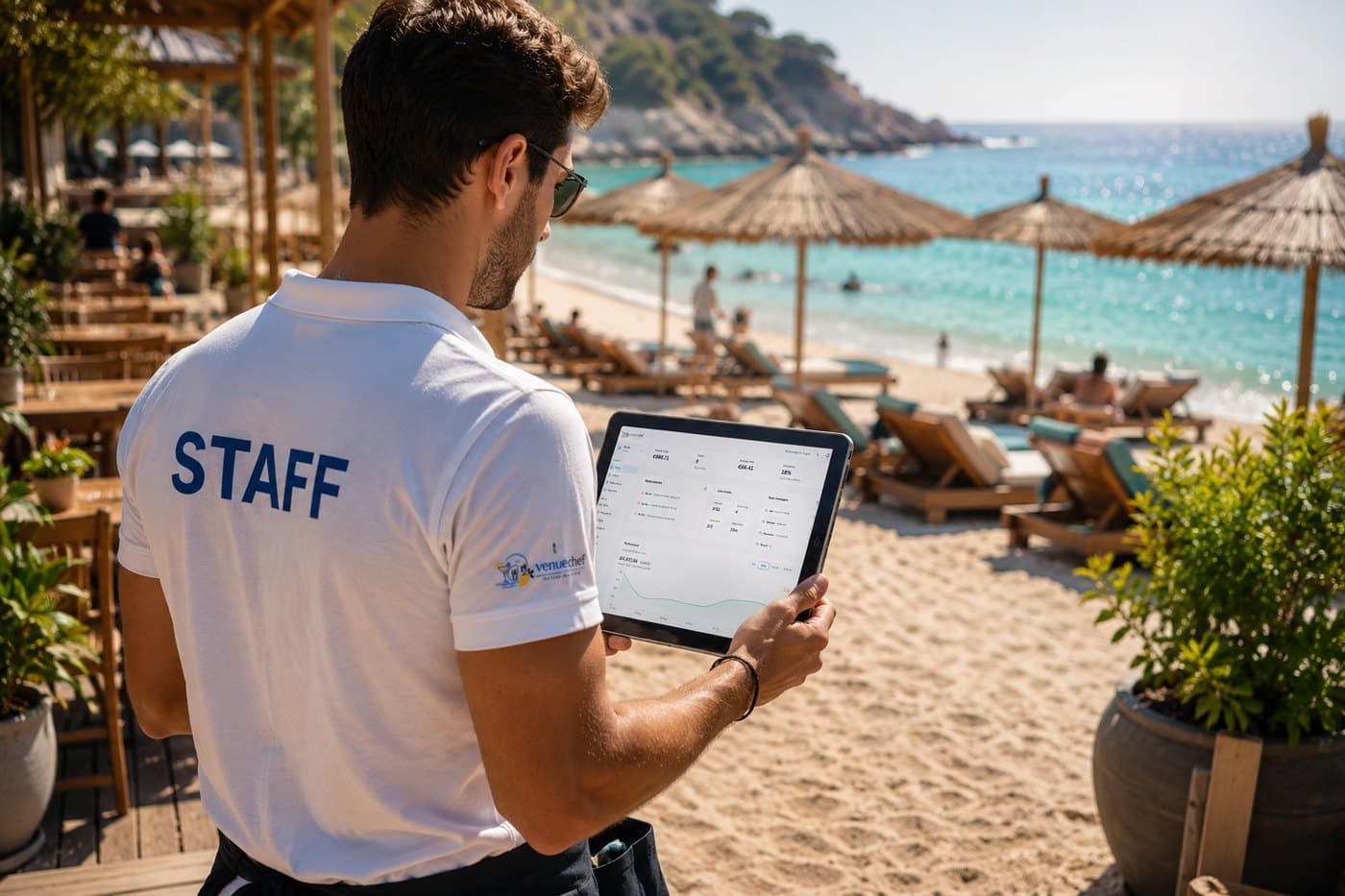
ทำงานได้แบบออฟไลน์
พนักงานสามารถทำงานต่อได้แม้เกิดปัญหาการเชื่อมต่อชั่วคราว และระบบVenueChefจะอัปเดตข้อมูลเมื่อการเชื่อมต่อกลับมา ทีมงานยังคงทำงานต่อไปได้แม้ในจุดที่สัญญาณไม่เสถียร ซึ่งเป็นส่วนหนึ่งของกะทำงานบนชายหาดจริง
ยังมีการเปลี่ยนแปลงที่ต้องส่ง
การให้บริการสามารถดำเนินต่อไปได้
ประสบการณ์ของแขก
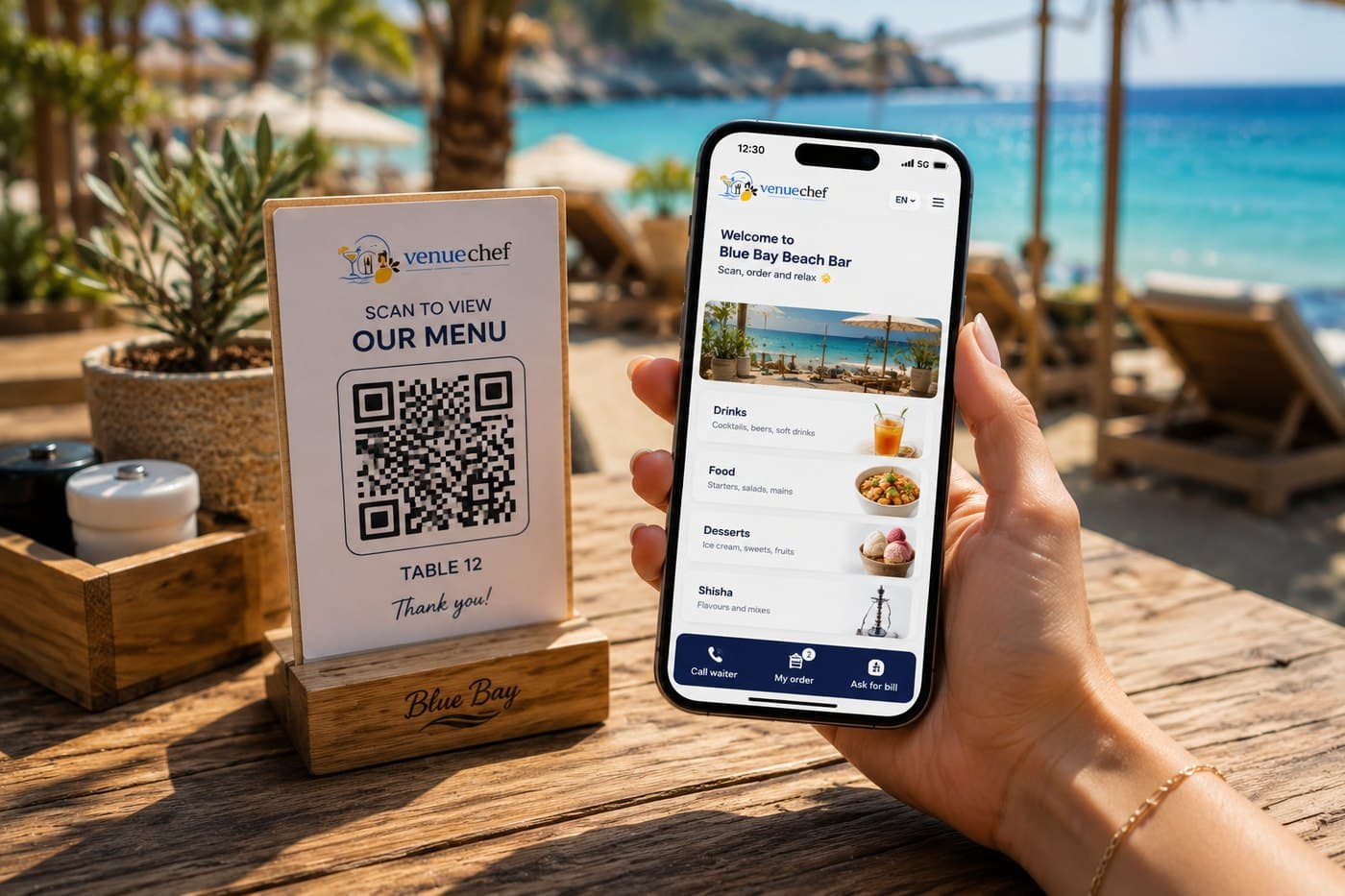
รหัส QR จะเปิดสถานที่นั้นในเบราว์เซอร์ แขกสามารถเรียกดู สั่งอาหาร ขอรับบริการ ขอใบเรียกเก็บเงิน และจองได้โดยไม่ต้องติดตั้งอะไรทั้งสิ้น
Everything connected
Orders, guests, reservations, staff and service — connected in real time across your venue.
At the venue or online
Orders from staff and guests
Order from the table, sunbed or cabana
Tables, sunbeds and cabanas
Tables, zones and every place you serve
Menu, service requests and bill
One live view of your venue
What sold, when, and where
Staff can keep working through temporary connectivity problems, and VenueChef catches up when the connection returns.
Restaurants, cafés, bars and beach venues.
No jumping between separate tools.
Pricing
Everything your venue needs in one connected system, with one clear monthly price.
Comparison
8 separate tools. Multiple subscriptions.
Annual cost
€1572.00 / year
Before hardware, onboarding or payment fees.

One app. One price.
We Give You ALL!
Everything your venue needs, in one app.
Launch offer · First 3 monthsfor your first 3 months
Then €69.99 / month after.
Each price is for one venue, paid before use. Start monthly and switch to Seasonal or Yearly any time. No free plan, no caps — everything is included.
First-year saving
Save €807 in your first year
VenueChef costs €764.91 in year one — 51% less than assembling the stack separately.
Comparison uses the eight software categories shown above. VenueChef launch pricing is €45.00/month for three months, then €69.99/month.
การคิดค่าบริการตามฤดูกาล
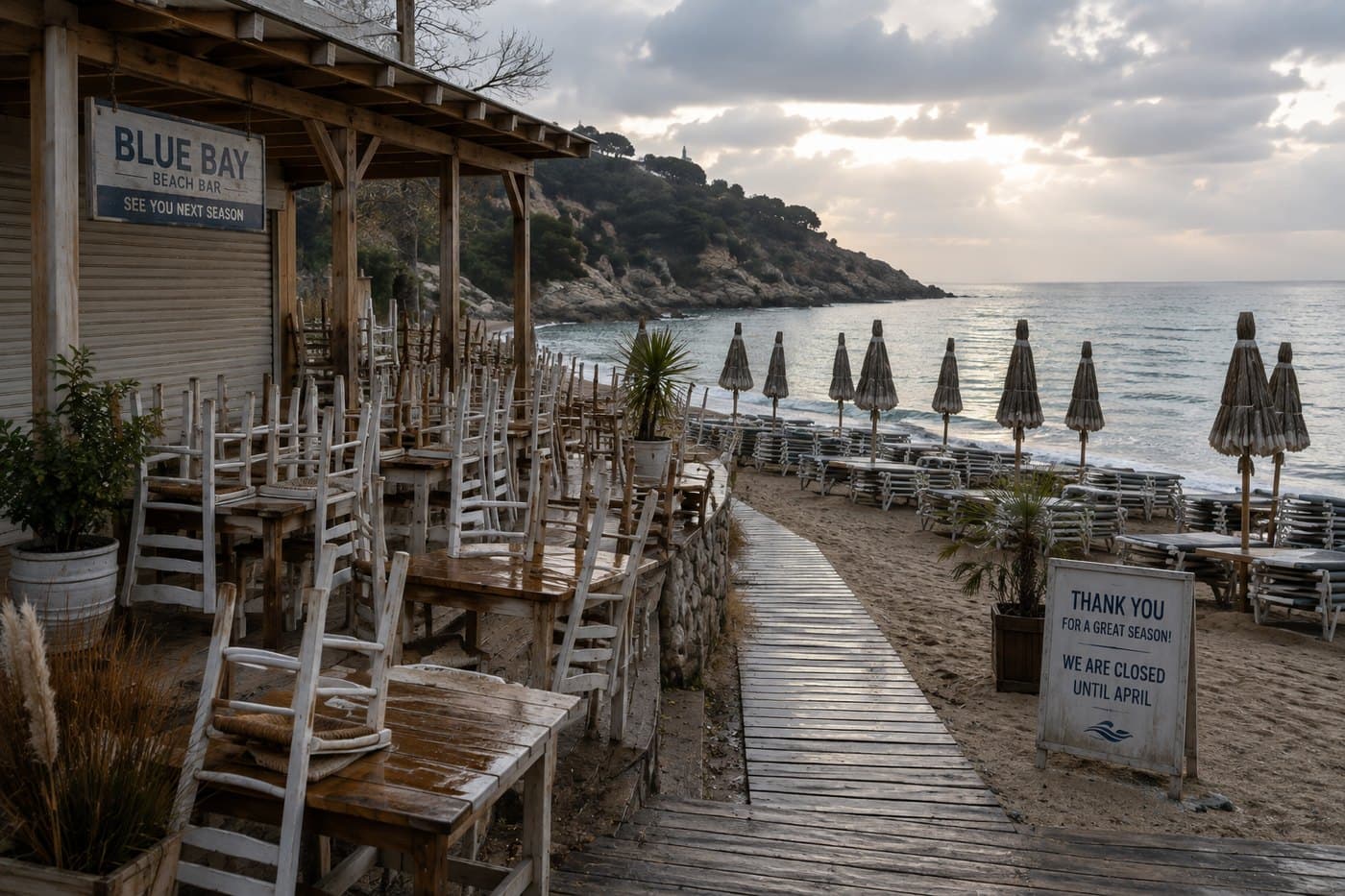
หยุดการดำเนินงานของสถานที่ที่ปิดชั่วคราว โดยรักษาเมนู ทีมงาน การจัดวาง และประวัติไว้ให้พร้อมสำหรับฤดูกาลถัดไป
เมนู · แผนผังสถานที่ · พนักงาน · ประวัติการรายงาน
Before you ask
Independent hospitality — beach clubs, restaurants, cafés, bars, tavernas and fast food. It is built for places that serve guests somewhere other than a dining room table, and for owners who work their own floor.
Yes. Orders are stored on the device and sent when the connection returns, so a waiter keeps taking orders through the dead spots that are part of a real shift. Nothing is lost and nothing has to be re-keyed.
No. A QR code opens your venue in the phone’s browser — no app store, no download, no account. Guests can add it to their home screen if they want to, and most never do.
Each table, sunbed or cabana has its own code. Scanning it opens your menu, and an order goes straight to the bar or kitchen already knowing where it came from. The guest can follow it from sent to ready on their own phone.
Both, from the same page they ordered on. The request reaches the floor with the place attached, so nobody has to work out who waved. Guests can also leave a rating and add a tip, which the till has ready when a member of staff settles up.
They are all the same thing to VenueChef: every place you serve, on a live venue map, grouped into zones you define. A beach with four rows and a terrace is modelled as it actually is, rather than squeezed into a floor plan meant for a dining room.
Guests request a table or a sunbed from your venue’s own page and you confirm — nothing is held until you do. Each request carries a reference the guest can quote, and your team sees them alongside the rest of the day.
Guests, yes: the menu and the whole guest experience run in 23 languages, set by you or chosen by the guest. The apps your team uses are English today, and making them multilingual is work we have scoped rather than finished.
Your guests pay you, not us. VenueChef never processes a guest’s card: payment is taken at the till or on the terminal you already use, and VenueChef records it against the bill. That keeps you as merchant of record and keeps card disputes between you and your own provider.
Fiscal rules differ enough between countries that VenueChef handles each one separately rather than as a setting. Bulgaria is the first market we are preparing for, and that work needs approved hardware and an authorised service organisation before it can begin. Tell us where you operate and we will tell you exactly where that stands — including if the answer is "not yet".
No terminal, no proprietary hardware. The team works from the Android phones already in their pockets, the kitchen screen is any spare tablet or browser, and the office side runs on a laptop. A thermal printer at the bar is useful and is not required to start.
Yes. Give the venue its opening and closing dates and a closed venue can be paused, keeping its menu, layout, staff and reporting history ready for next season. A bill for software you are not using while shut is the wrong bill.
What VenueChef gives you
Orders included
Menu languages
Features included
Keeps working without signal
A closed venue is not billed
พร้อมสำหรับฤดูกาล